




🦄 Somewhere between studying for a certification, building an agent I only understand in theory, and waiting on a pipeline that isn't automated like I want it to be, I kept hitting the same dead air: AI is coding, and I'm... what, exactly?
So this post is me answering my own question — and inviting you to throw in more ideas. 🕰️✨
PS: @francistrdev the memes are special since you asked nicely last time 😆
This is for those of you who have decidedly finished hand-holding AI at every step of the process. If you're still prompting to change a method or implement a new environment variable, then this post is not for you.
If you're still reading then I'm guessing you've ran into the same problem that I have.
What on earth are you supposed to do while AI is busy coding?
That can take 5 minutes or 20, and it fundamentally changes the idea of the deep-focus time blocks we previously needed to be truly productive. We're not deep diving into the codebase regularly anymore, so what do you do with that time?
Here's some ideas and my thoughts on them, covering both personal projects — meaning there's no deadline — and work, where enterprise wants the deployment yesterday.
1. Slow Down 🐢🧘
Honestly, I'm terrible at this option. I want to be doing something at all times.

However, I recognize that sometimes I'm responsible for the same terrible output we accuse AI of: going with the first thing that makes sense and not stopping to consider all options every step of the way.
I'll catch myself stopping generations or retracting a previous statement when I could have sat with the problem statement a bit longer and came up with a better answer than the first one I had.
It's also the only option on this list that makes the next run better instead of just filling the time — sitting with the story a bit longer means I already know what I'm going to reject before the diff shows up.
2. Watch the Direction, Not the Diff 🧭🩻
This one is also difficult for me to accomplish because it feels like doing nothing.
I honestly do much less of this now than I used to. Before, I would watch the output, ready for something to go wrong at any point.
Then the trust grew — and yes, it still messes up sometimes — but that doesn't mean I'm back to watching it every step of the way.
If I am watching it, I'm looking more at the direction and less at the code itself. Is it touching the right portion of the file system? If I asked for a color change, but AI ended up changing a data file, that's a clue something went wrong somewhere. And keep an eye on the tests, because it will happily change them to go along with the code.
3. The Paperwork Nobody Automated 🗃️🪦
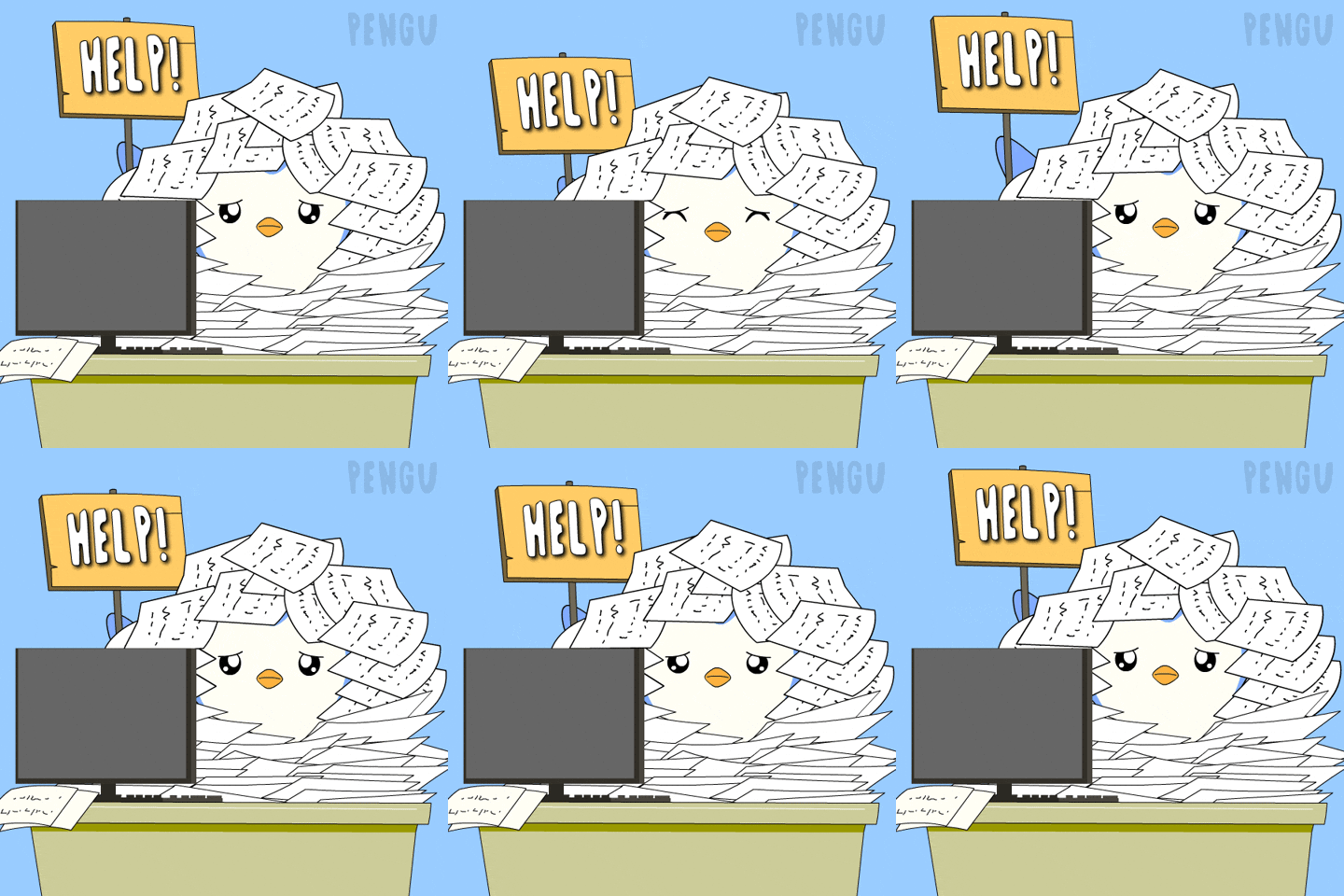
PR reviews, enterprise production requests, testing documentation — all the things that go along with a deploy when the pipeline isn't automated like you want it to be goes here — you know what I mean...
4. Study in the Cracks 🎓⏳
I'm currently studying for the GCP Architect Certification, so a lot of my free 5-minute time blocks are spent watching a short section of a video or taking a practice quiz — or a part of one, more likely.
It's nearly impossible to put aside time that doesn't get overtaken by a higher priority, but small, focused learning is doable in short intervals.
5. The "Quick" Slack Question 💬🪤
Helping the team usually means keeping up with my Slack messages for the day and monitoring channels that are particularly interesting — namely the AI ones. There's usually a quick question to answer or a quick call to make.
The challenge is making that "quick" call not take an hour while your AI is finished and now waiting on you.
Let me say that louder: this is a trap. Slack is interruptible in theory and never in practice. An hour into a "quick" call, the AI is done, waiting, and I've become the bottleneck — which is the one job I wasn't supposed to have anymore.
I did have a hook programmed in for Claude to announce itself when it finished. However, I ran into the problem with him announcing himself during meetings and often interrupting me (or someone else) with something hilariously off topic and not at all professional.
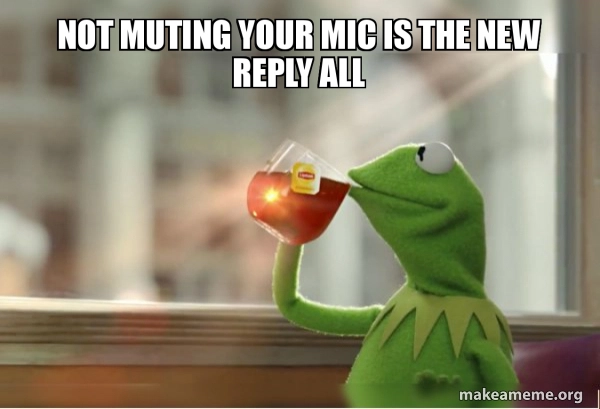
And yes — I know visual cues are an option, but honestly I don't even see them half the time. The audio cue works perfect, right up until it does not.
While You Wait 🕰️
That's my answer to my own question — sometimes productive, sometimes paperwork, sometimes just sitting with the problem longer than I want to.
⚖️ The filter: if you can't drop it in under 30 seconds when the agent finishes, it doesn't belong in the gap. Paperwork passes. A practice quiz passes. Slack fails. A meeting fails spectacularly.
Now it's your turn: what do you think is the best use of time through the day while AI is implementing the story (or two)? Throw your ideas in the comments — I'm collecting, clearly.
🛡️ Written While the Agent Was Busy
Claude ran the interview for this one — asked the questions, filed my answers where they belonged, and drafted this footer while I was off answering a "quick" Slack message. Every opinion, bad habit, and interrupted meeting is mine.


Top comments (55)
The memes are special lol. Glad to see them!
I just wait and do nothing while AI codes lol
That's definitely a good option! I can't sit still that long. Give me enough free time and I'll find a whole other project to add to the list. 😆
I think the key at the end of the day is having a plan around an async workflow one way or another. Async work, organized in a way your brain can manage, has always been pretty important, but we're at the mecca for that right now.
You've reminded me of one I forgot in the list = "run another agent" 😆 I think smarter orchestrators will up the ante with this a bit, too.
My biggest productivity skill while AI codes is opening Slack for “30 seconds” and somehow returning 47 minutes later to discover the AI has finished, the coffee is cold, and I’m now the bottleneck. 😂
At this point, I think AI needs to code a better Slack blocker.
Lol 😂 That works for you?
If only I could hang up an "I'm busy coding" sign on my Slack and leave it for the day. 🤪
😂 That sign would last about 5 minutes before someone messages, “Quick question…”
At this point, I think we need an AI-powered Slack auto-reply: “Please wait, my AI is currently doing my job.” 😆
I would love to code in my own auto-replies from AI to Slack messages. "Ashley is busy not-watching AI mess up her progress" seems to be the latest status report, though. 😆
Even if I let the AI do the coding on its own without actively intervening, I don't let my mind wander—I keep checking what’s already been done, the current prompt, the next steps... as long as I’m working on a task, I stay fully focused.
So, unlike you, I can't mentally step away from the development process—though I suppose that’s only natural; men aren't really built for multitasking 😁
the 30-second drop rule is the actual algorithm here. i'd add one constraint: only start work whose state is externally checkpointed, cuz interruptible isn't enough when the restart cost lives in ur head.
my queue would be: sharpen the acceptance criteria, inspect adjacent tests, write one negative control for the incoming diff. no slack, no second problem. then agent latency turns into verifier time without paying a context switch.
funny inversion: the best thing to do while ai codes is prepare the proof that its code shouldn't be trusted yet.
This is very useful insight, thanks! I think most everything I do is figuring out how to speed up the process without blind trust in the system. It's a tightrope some days.
At the mercy of Slack over here 🥲
take slight break and stretch
Or look at more hardware to buy
The gaps I plan for are the 5 to 20 minute ones. What actually costs me is walking away, coming back 40 minutes later, and finding it stopped after 4 minutes because it wanted me to approve something.
So most of my effort has gone into making it not need to ask, rather than getting better at filling the wait. Pre-approving the boring stuff, being specific enough up front that it doesn't hit a fork it can't resolve on its own. Doesn't always work.
Running more than one at a time made that worse for me. I'd assumed it would help.
I hate when that happens. I'll come up with an especially taxing job right before bedtime and undoubtedly that's exactly what I wake up to every time! As for running multiples, Claude's agent view is catching up slowly in the CLI, but it still likes to converge where I didn't ask for shared custody.
Shared custody is a good way to put it. Mine collide over a browser profile more than over the repo, two of them driving the same Chrome and the extension drops out mid-action.
What stuck was making them announce before taking it and say when they're done. Feels silly writing a handoff protocol for software. The nasty part is that the action in flight when it drops has usually already gone through, so retrying doubles it.
I know exactly what you mean! 🤣🤣
Sometimes I'm writing comments on DEV 🤣
Me too! 🤣
Read posts on DEV. Waiting for a prompt to finish right now.
Some comments may only be visible to logged-in visitors. Sign in to view all comments.